


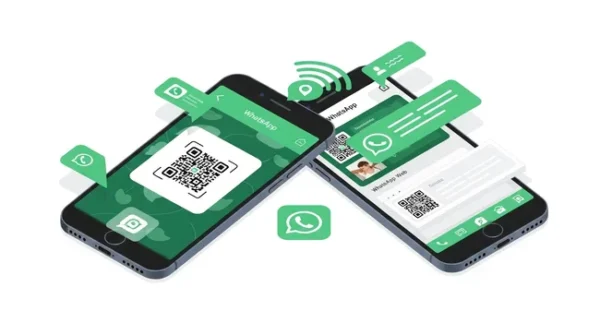
1. Official WhatsApp Web
The Official WhatsApp Web is the simplest and safest way to access your WhatsApp account on another device. It does not require installing extra apps and works directly through a browser or the official desktop app.
How to Use:
- Go to web.whatsapp.com in the browser of the secondary device.
- On your main phone, open WhatsApp and go to Settings > Linked Devices.
- Tap Link a Device and scan the QR Code displayed on the browser screen.
Done! WhatsApp will now be available on the other device.


2. Whats Web Scanner
Whats Web Scanner works as a mirror of WhatsApp, allowing you to access the same account on another phone, similar to WhatsApp Web.
How to Use:
- Install the Whats Web Scanner app from the Play Store.
- Open the app and select the Scan QR Code option.
- On the main phone, go to Settings > Linked Devices and scan the QR code shown in the app.
Now your WhatsApp will be available on the second device.
3. Dual Space
Dual Space allows you to create a parallel environment inside your phone, enabling the use of two WhatsApp accounts on the same device.
How to Use:
- Download Dual Space from the Play Store.
- Open the app and select Add App.
- Choose WhatsApp and wait for the cloning process to finish.
- Open the cloned WhatsApp and log in with the second account.
4. Parallel Space
Parallel Space has the same idea as Dual Space, creating a parallel environment to run cloned apps on your phone.
How to Use:
- Download Parallel Space from the Play Store.
- Open the app and choose WhatsApp to duplicate.
- Set up the new WhatsApp account normally.
- Now you can use two accounts on the same device.
5. WhatsClone
WhatsClone is ideal for those who want to access the same WhatsApp account on two different phones without reconnecting every time.
How to Use:
- Install WhatsClone from the Play Store.
- Open the app and generate a QR Code.
- On the main phone, go to Settings > Linked Devices and scan the code.
- Now WhatsApp is synchronized on both phones.
Conclusion
Whether you want to access your account on two devices or use two different accounts on the same phone, these apps provide practical and free solutions. Official WhatsApp Web is the safest option, while apps like Dual Space and Parallel Space are ideal for those who need two accounts on the same device.
Before choosing an app, consider your needs and the pros and cons of each option.
Did you like these tips? Share this article with your friends and leave a comment about your experience! 